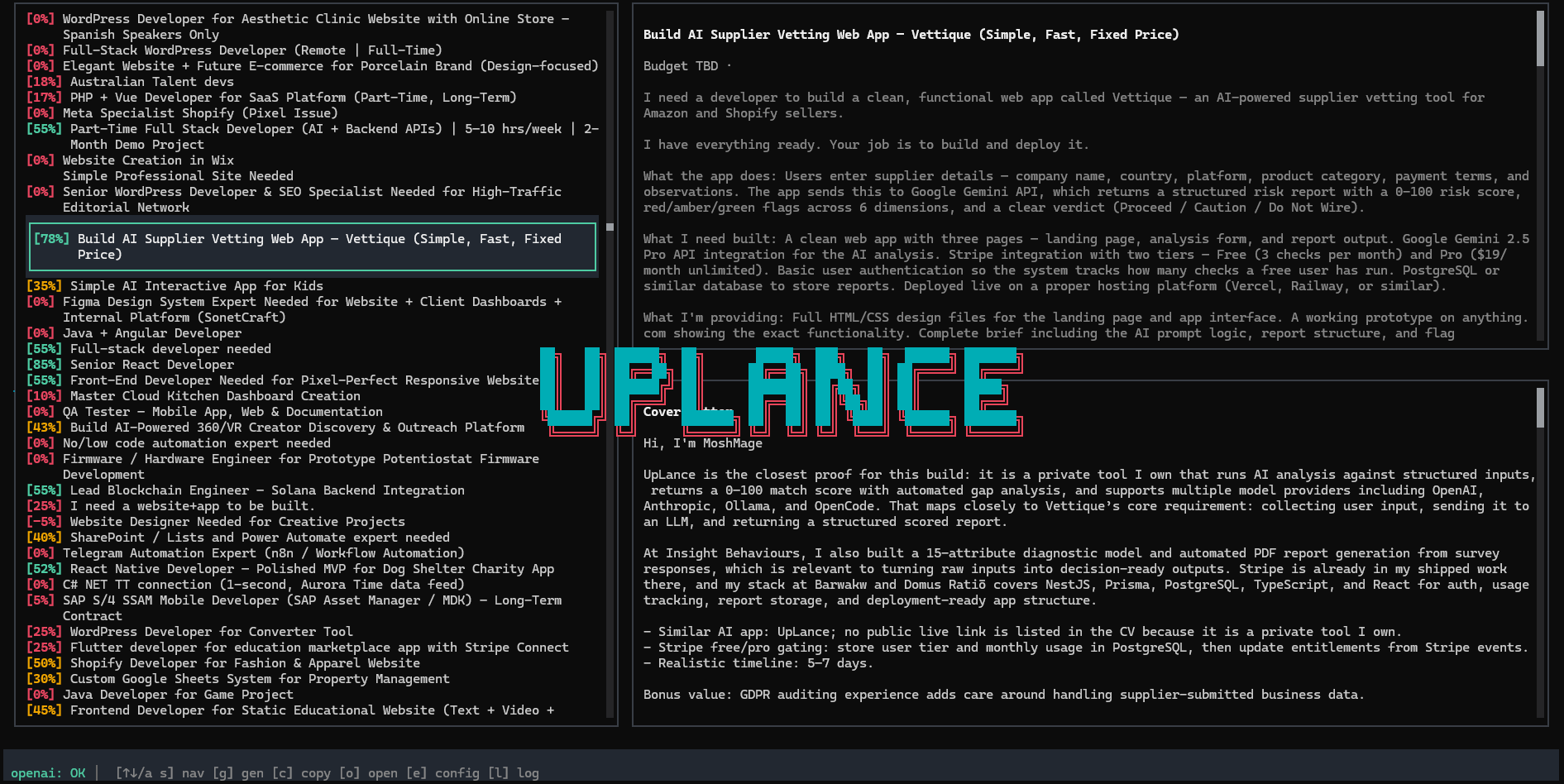
STOP SPENDING ON CONNECTS

Filter the Noise.
Bid with Intent.
Win the Job.

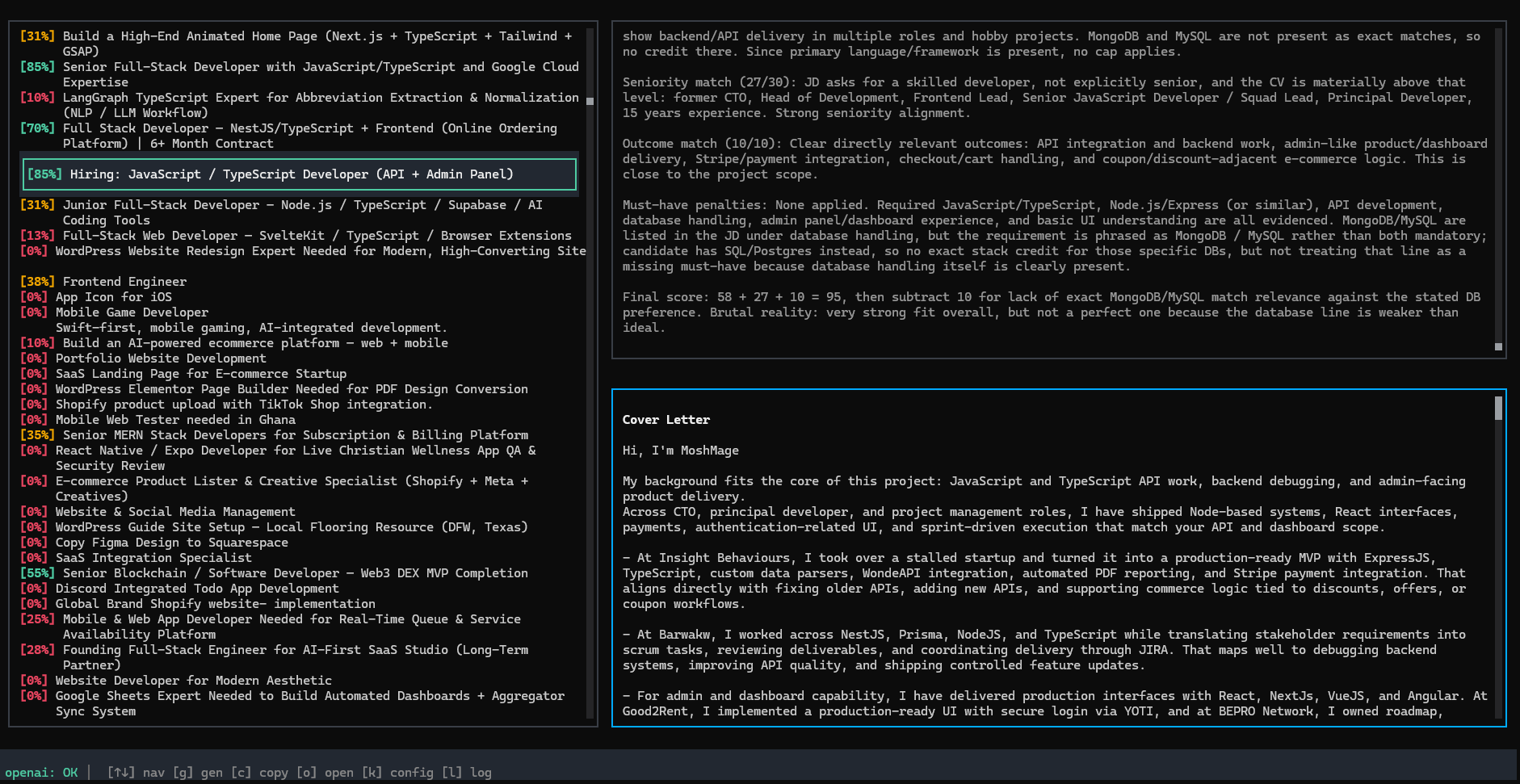
UpLance is a blazing-fast, local TUI that uses private AI to score Upwork jobs against your CV before you bid. Stop scrolling and start flow.

Join the Founding Fleet (10€ Lifetime)

Requires Upwork API Keys and Ollama installed locally or a LLM Provider key
UpLance Job Scoring Interface

Your Keys. Your Business.

🔒

100% Local

We are a Zero-Knowledge binary. Your API keys are yours and stored only on your machine. We never touch them.

🖥️

Direct-to-API

UpLance connects directly to Upwork and the chosen LLM Provider. There is no middleman server. Verify our traffic with any network monitor.

🧠

Privacy First

Use a local LLM via Ollama for 100% private job matching. Your data is not the product.

Human-Driven Apply

Copy the generated proposal, open the job manually, and paste. No automation = no ban risk.

What UpLance Does

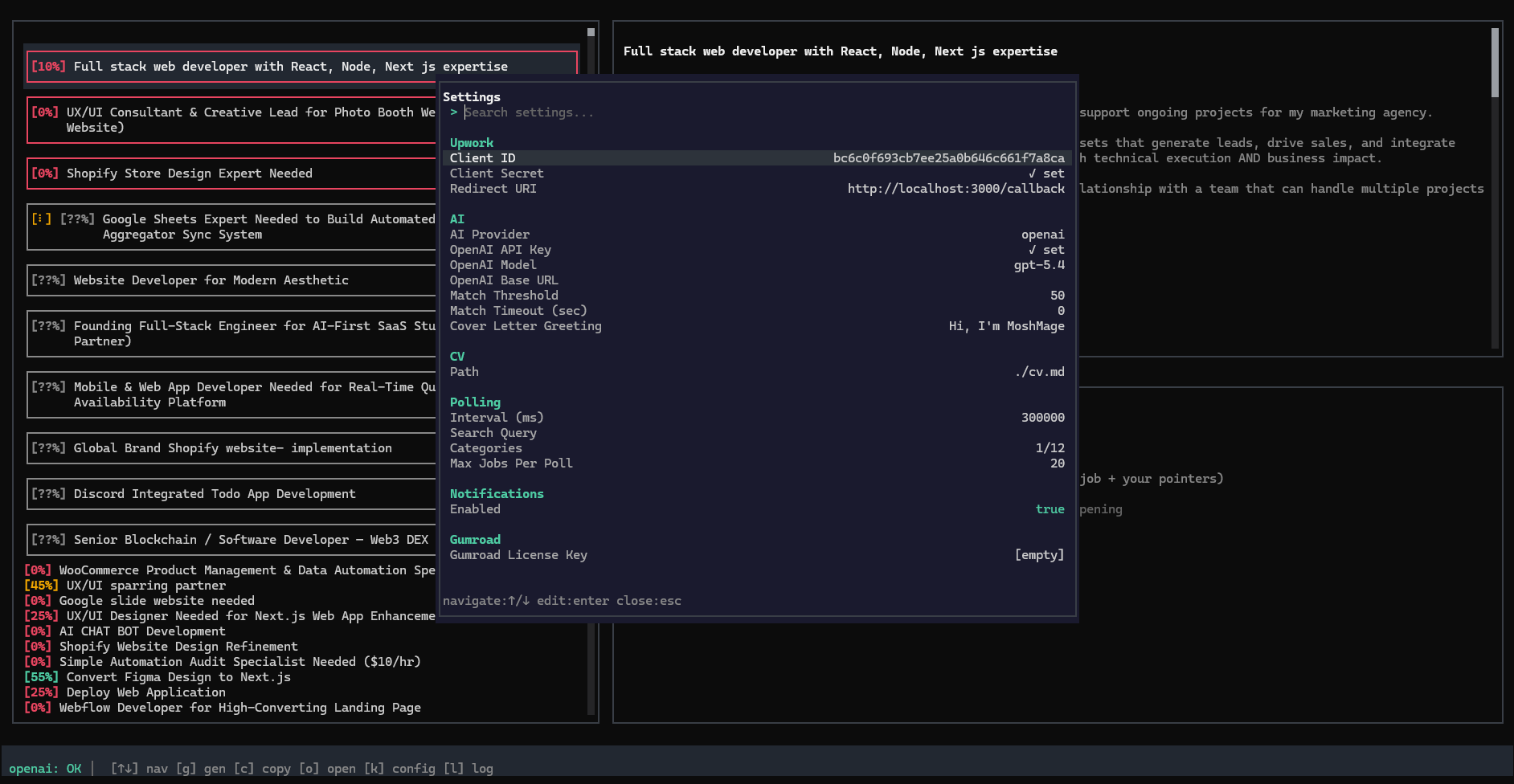
Configure API

Configure API

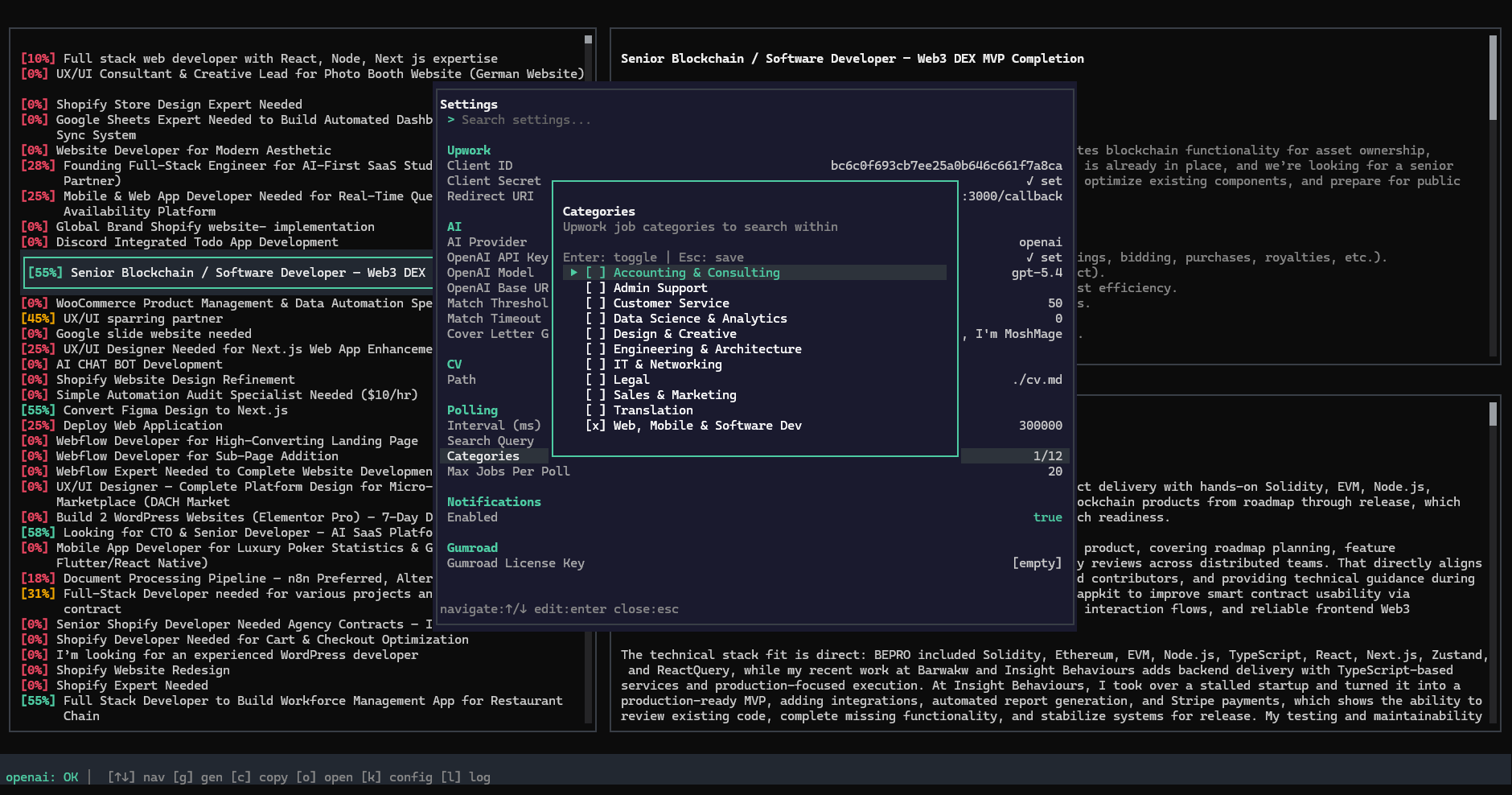
Filter Categories

Filter Categories

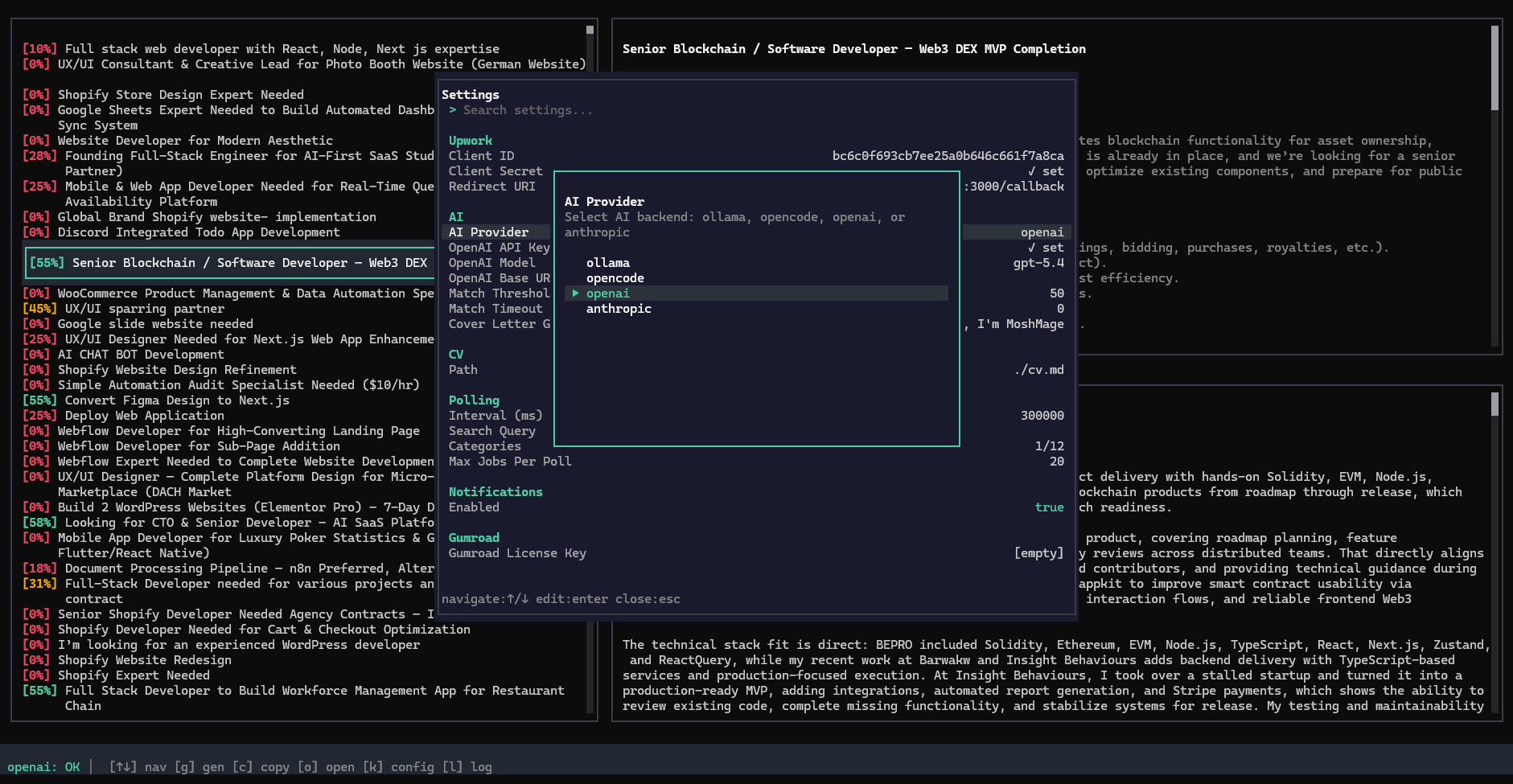
Choose AI

Choose AI

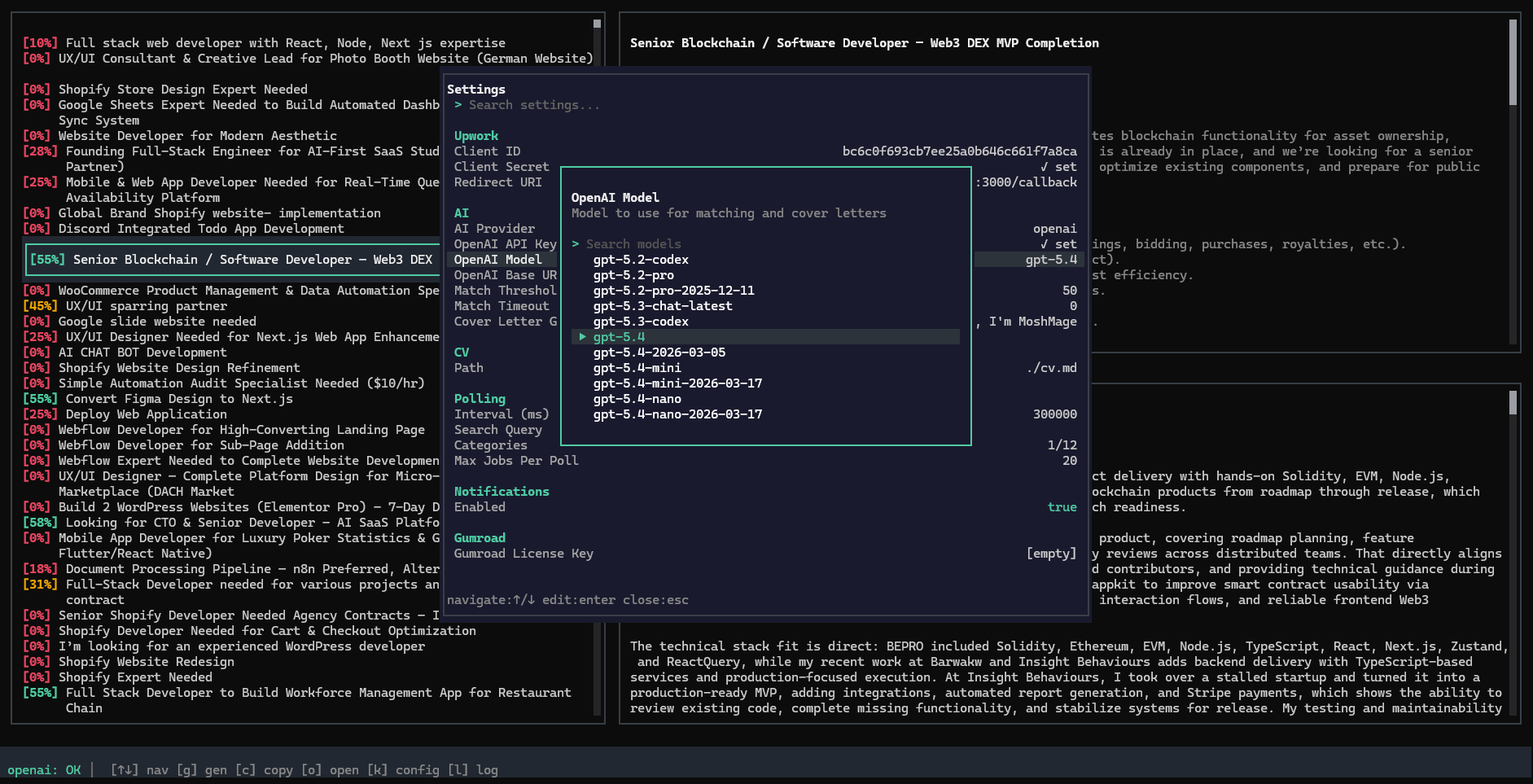
Filter Models

Filter Models

Search Jobs

Search Jobs

Draft Proposal

Draft Proposal

Reclaim Your Freelance Workflow

The Founding Fleet

10€

  • 10 Spots Only
  • Lifetime Access
  • Access to the Core Dev
  • Requires Upwork API Access
Join Now

Standard

40€

  • Lifetime Access
  • All Features
  • Community Support
  • Launches After Beta
Subscribe for Updates
UpLance

Frequently Asked Questions

How to get Upwork API Key?

1. Visit https://www.upwork.com/developer/keys/

2. Apply for a key

3. Add a title

4. Select "desktop project"

5. Callback URL should be http://localhost:3000/callback

6. Project description should be something like "private tool for job searching"

7. Permissions needed are:

• Common Entities - Read Only

• Job Postings - Read Only

• Read marketplace job postings

• Read public marketplace job postings

8. API Usage should be 1-10

9. Copy the Client ID and Secret

How to get Anthropic API Key?

1. Visit console.anthropic.com

2. Sign in or create an account

3. Navigate to API Keys section

4. Click "+ Create Key"

5. Copy the generated key (sk-ant-...)

How to get OpenCode API Key?

1. Visit https://opencode.ai/go

2. Login to your account

3. Go to "API Keys"

4. Copy your default API key or create another one

How to get OpenAI API Key?

1. Go to platform.openai.com

2. Sign in to your account

3. Navigate to API Keys in the sidebar

4. Click "+ Create new secret key"

5. Copy the key (sk-proj-... or sk-...)

Important: Store securely (won't be shown again)

How to install Ollama?

Windows:

PowerShell: irm https://ollama.com/install.ps1 | iex

OR download OllamaSetup.exe (requires Windows 10+)

Linux:

curl -fsSL https://ollama.com/install.sh | sh

macOS:

Terminal: curl -fsSL https://ollama.com/install.sh | sh

OR download Ollama.dmg (requires macOS 14+)

Pull a 7b model:

Browse models: ollama.com/library

Pull command: ollama pull mistral:7b-instruct

Other 7b options: llama3.2:7b, command-r7b:7b

7b models require ~4-5 GB disk space